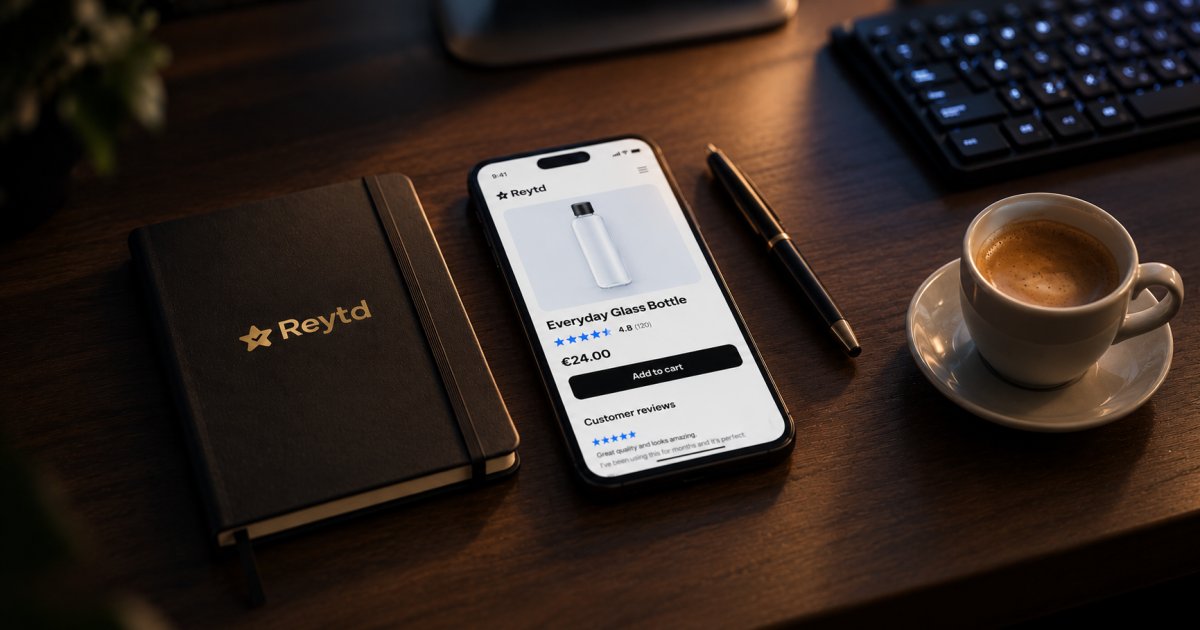
Before Reytd, I worked at a web agency, and one request came back again and again. A client would say their store felt slow, and we'd roll up our sleeves: compress the images, trim the theme, lazy-load the carousel nobody scrolled to. Bit by bit, the product page got quick.
Then someone added a review widget, and a good part of that speed was gone again.
I don't blame the stars. Reviews sell products, and shoppers look for them. But somewhere along the way, showing five little stars and a list of reviews started to need far more code than a few stars need.
Where all that weight comes from
When I opened the developer tools on our clients' stores back then, the same few things kept turning up:
- A whole framework for a few stars. The widget brings its own framework, styles and features the page never uses, and the browser downloads and runs all of it, on every product page, on every phone.
- A script that makes the page wait. Added without
async, it stops the browser drawing the rest of the page until it has arrived. - A trip to the app's servers for every shopper. Each page asks the app to look up that product's reviews, and waits while it does.
- Stars that push everything down. The reviews appear after the page has drawn, and the text below them jumps. Google counts that against you, as layout shift.
It isn't just a feeling. We measured the code popular review apps download on their stores' product pages, the same way for each:
Check yours in five minutes
You don't have to take anyone's word for it, ours included. Chrome has everything you need:
- Open one of your product pages in an incognito window, so your extensions stay out of it.
- Open the developer tools, then the Lighthouse tab, choose Mobile, and run it.
- Note the Total Blocking Time, Largest Contentful Paint and Cumulative Layout Shift.
- In the Network tab, right-click the review app's script, choose Block request (Block request URL in older versions of Chrome), and run Lighthouse again.
The difference between the two runs is what your review app costs you. Run each a few times, as the numbers wobble from run to run. Review widgets and page speed walks through it with pictures, and shows how to read the Network tab too.
Five questions to ask any review app
If the difference made you wince, these are worth asking, whoever makes your widget:
- How big is the script, compressed? Tens of kilobytes is fine. Hundreds isn't.
- Does it load with
async? Your page shouldn't wait for anyone's stars. - Where do the reviews come from? Files on a CDN near your shoppers are quick. A database lookup for every page view isn't.
- Does anything jump when it appears? Watch the text under the product title as the page loads.
- Does it wait to load the reviews until a shopper gets close to them? They're usually far down the page, so they can wait.
What we did with Reytd
When I started Reytd, speed was the first thing on the list, and these are our answers to the same five questions. The widget is about 9 KB compressed, without a framework, and loads with async. Each product's rating and reviews are files on a CDN, written whenever they change, so showing them doesn't wait on a database. In our speed tests, the stars show in less than 50 ms. The reviews widget draws itself as a shopper scrolls towards it, and the star badges keep their space from the start, so the text below them doesn't jump.
We also have a check that stops any change making the script bigger than the size we promise. It's mostly there to protect us from ourselves.
Run the five-minute check on your own store. If your review widget turns out to be the heaviest thing on the page, you know where to find a light one: start free, and measure us the same way.